
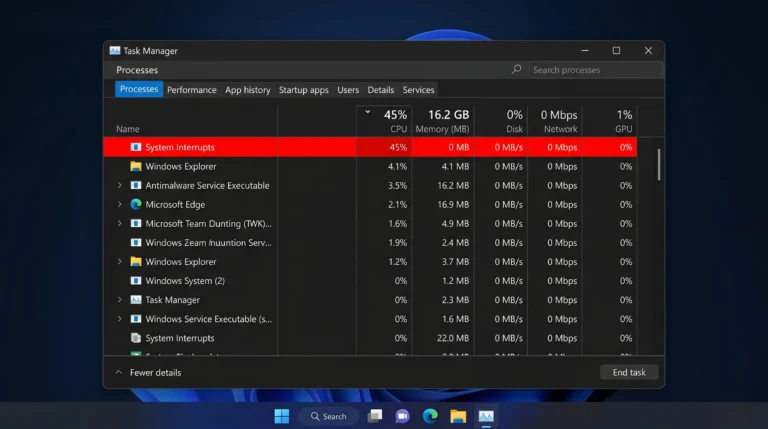
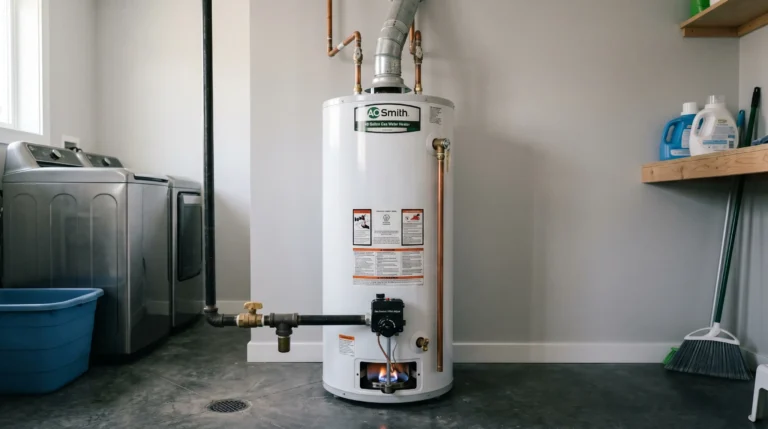
If HP denies your warranty claim by blaming corrosion or “internal physical damage” right after a technician visit, don’t accept the first “no.” Save every chat transcript, case number, and email. Politely tell support you plan to file a complaint with the Better Business Bureau (BBB), your state Attorney General’s consumer protection office, or small claims court, and ask to be escalated to the HP Customer Relations / Executive Team. In one real case, this exact approach got a “corrosion” denial reversed and a defective HP Victus motherboard replaced twice at no cost — even though the standard warranty had already expired.
Introduction
Getting a warranty claim rejected is frustrating, especially when the laptop had visible problems long before the warranty ran out. This is a real, first-person account from a HP Victus 15 gaming laptop owner whose USB-C port, USB-A ports, and cooling system started failing while the machine was still under warranty — and who was later told the damage was “corrosion” and not covered.
This article walks through exactly what happened, why HP support teams often lead with a corrosion or physical-damage denial, and the specific escalation steps that got the decision reversed. If you’re facing a similar HP support wall right now, this is written so you don’t need to search anywhere else.
What Happened: The Real Case
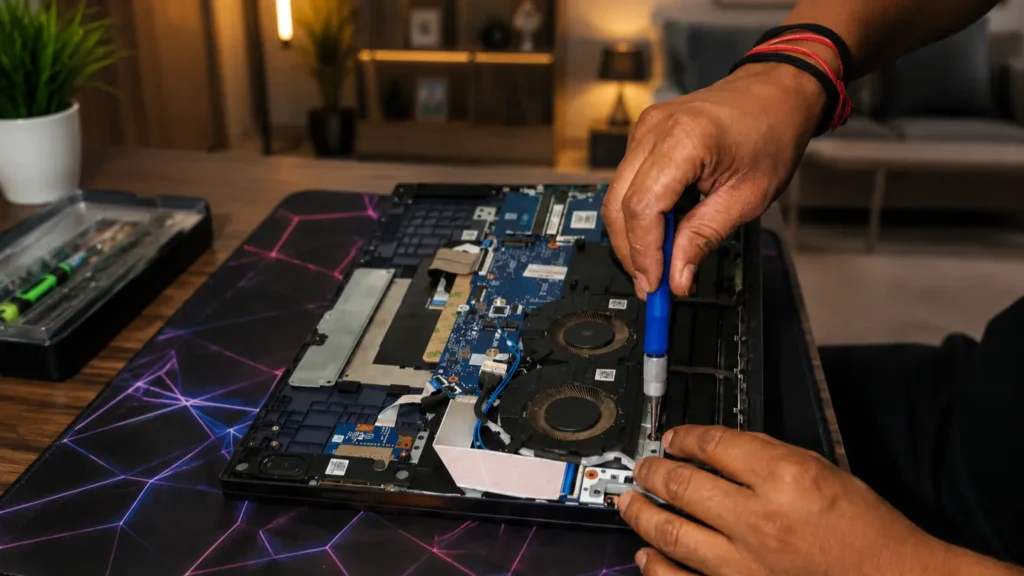
The owner opened a support ticket with HP with only one to two days of warranty coverage left, reporting three problems: a malfunctioning USB-C port, general USB port issues, and heavy overheating. A technician was dispatched and inspected the machine but did not fix it — the visit notes simply stated the issue was due to “corrosion” and that nothing further could be done.
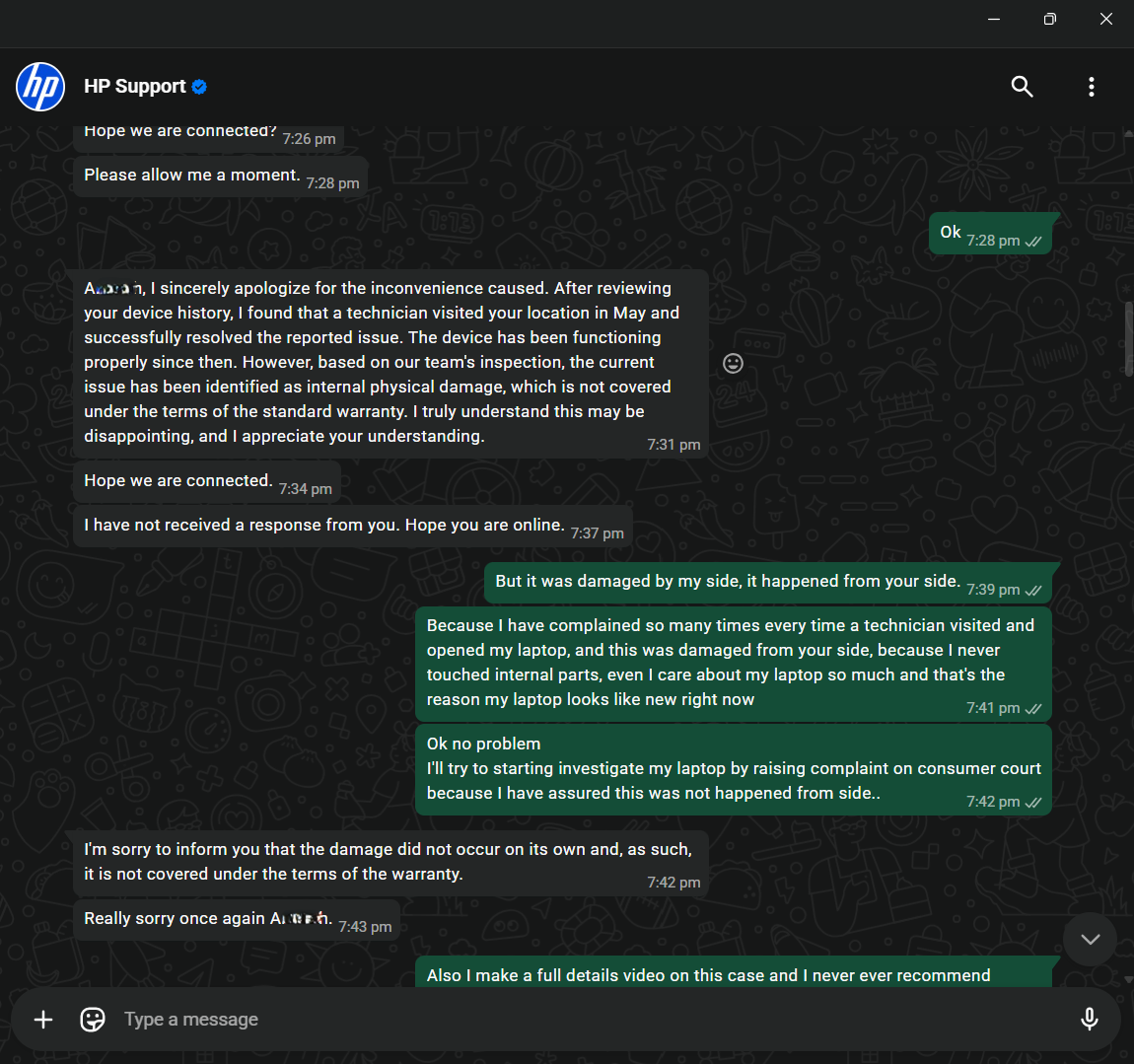
Unsatisfied with that outcome, and having already paid extra for an extended Care Pack, the customer contacted HP chat support again. The first-line agent repeated the same explanation: internal damage caused by oxidation, corrosion, or cable damage isn’t covered under HP’s Standard Limited Warranty, and Accidental Damage Protection (ADP) would have been required to cover it.
The turning point came when the customer calmly laid out the full history in chat: multiple prior repair visits, a previous motherboard and keyboard replacement, and a clear statement that they intended to file a formal consumer complaint if the matter wasn’t resolved fairly. After that message, the case was escalated to HP’s Customer Relations Manager. Following a further review, HP accepted responsibility for the fault, and — after roughly one to two months and two defective replacement boards — the motherboard was finally replaced correctly and the laptop worked normally again.
Why HP Support Often Blames “Corrosion” or “Physical Damage”
In HP’s warranty language, oxidation, corrosion, and cable damage are explicitly excluded from the Standard Limited Warranty, while Accidental Damage Protection (ADP), sold separately or bundled into higher-tier Care Packs, is what covers physical or liquid damage. First-line support agents are trained to check for these exclusions early because they resolve the majority of cases quickly and cheaply for the company.
That said, “corrosion” is also sometimes used as a catch-all explanation when a technician isn’t sure of the real root cause, especially after multiple prior repairs. If your laptop has a documented repair history showing the same component was opened or replaced more than once, that history matters — it shifts the burden toward proving whether prior repair work, not user negligence, caused the later fault.
Common Causes of USB/Type-C Port and Overheating Issues on Victus Laptops
- Loose or reseated internal cables after a previous motherboard or port replacement
- Thermal paste applied incorrectly during a prior repair, causing overheating
- Driver conflicts, particularly with NVIDIA GeForce GTX/RTX drivers not initializing properly after board-level service
- Dust buildup in fan intakes and heat pipes from normal use
- Micro-damage to port solder points from repeated technician disassembly
- Genuine environmental corrosion, usually from humidity or liquid exposure — the one cause HP’s standard warranty does exclude
Step-by-Step: How to Escalate a Denied HP Warranty Claim
- Get the case number and denial reason in writing. Ask support to confirm, in the chat or by email, exactly why the claim was denied.
- Pull your full repair history. List every previous case number and every part that was replaced, with dates.
- State your position clearly and calmly. Explain, in one message, why you believe the fault traces back to prior HP service rather than misuse.
- Name your next step. Mention that you intend to file with the Better Business Bureau, your state Attorney General’s office, or small claims court if the issue isn’t resolved.
- Ask directly for escalation. Request to be connected with HP’s Customer Relations Manager or Executive Customer Care team — this is a different tier from standard chat support.
- Provide photo/video evidence. Send clear photos of all sides of the unit and a short video demonstrating the port or overheating issue.
- Follow up in writing by email, not just chat, so you have a permanent record and a named contact.
- Be patient but persistent. A full resolution — including waiting for replacement parts — can take several weeks to a couple of months.
What to Do If the First Agent Says No
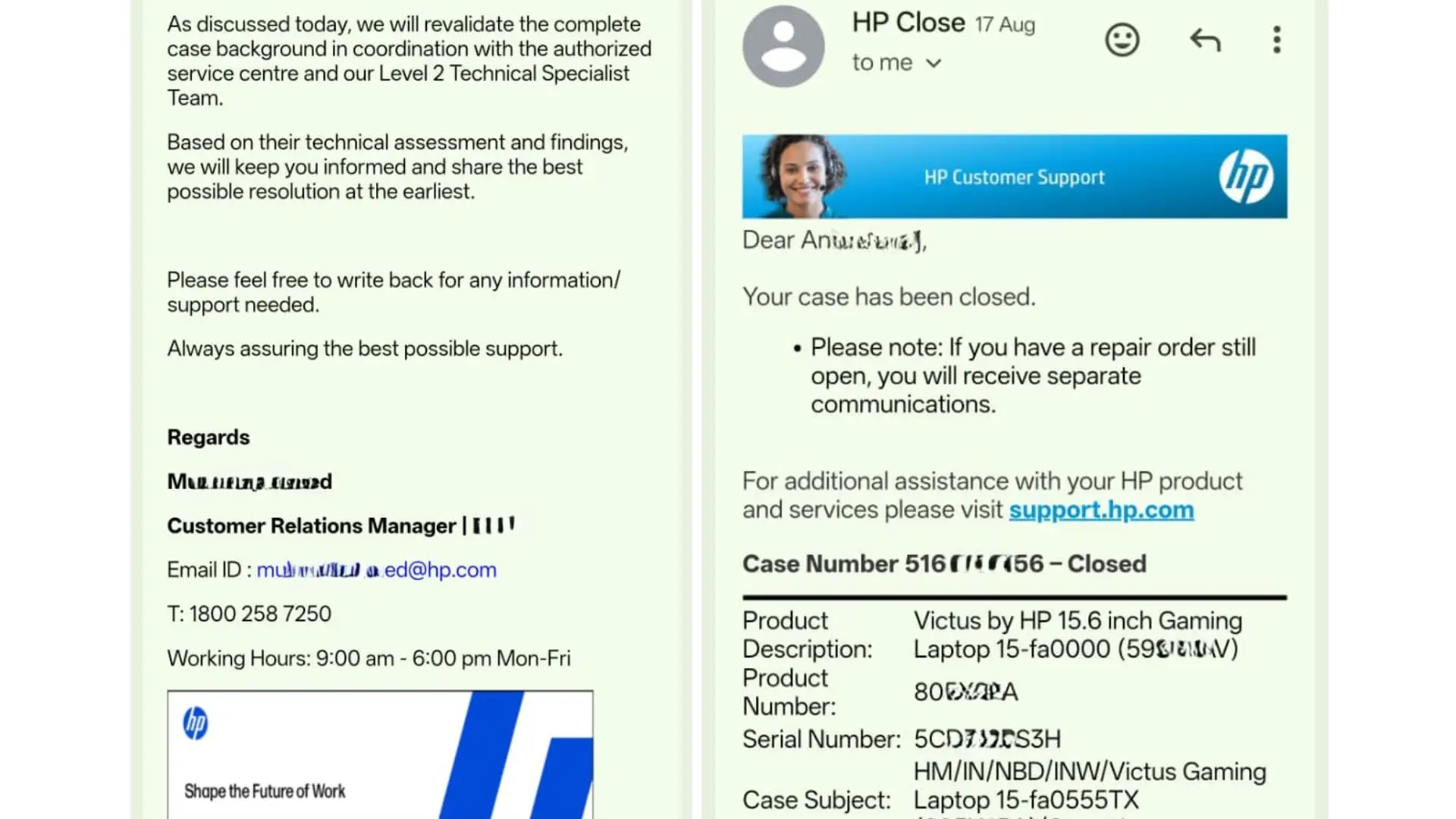
A denial from the first support agent is rarely HP’s final answer. Standard-tier agents typically cannot override a warranty exclusion themselves; only a supervisor or the Customer Relations team can. If you’re told the damage isn’t covered:
- Ask for the denial to be reviewed by a Level 2 Technical Specialist team.
- Request written confirmation of the denial reason for your records.
- Reference your prior case numbers so the reviewer can see the pattern of repeat repairs.
- If the agent goes quiet or places the chat “on hold,” reply promptly — extended silence can be used to auto-close the case.
Documents and Evidence You Need Before You Contact HP
- Original purchase invoice and Care Pack/warranty registration
- All previous HP case numbers and their outcomes
- Screenshots or PDFs of every support chat, including timestamps
- Clear photos of the laptop from all angles
- A short screen-recorded video showing the port or overheating fault
- Any technician visit or feedback forms you were given
Common Mistakes to Avoid
- Going silent in chat for long periods — HP can place the case on hold or close it
- Only complaining verbally without saving written evidence
- Skipping the request for a named Customer Relations contact
- Not mentioning your full repair history, which is often the strongest evidence you have
- Assuming a first denial is final
People Also Ask
Does HP’s standard warranty cover motherboard replacement? Yes, if the failure is a manufacturing or component defect. It typically excludes corrosion, liquid damage, and physical/accidental damage unless you have ADP.
Can I get HP to escalate my case to a manager? Yes. Ask directly, in writing, to be connected to HP’s Customer Relations Manager or executive escalation team.
How long does an escalated HP repair usually take? In documented cases, a full resolution involving a motherboard replacement has taken one to two months, especially if a replacement part arrives defective and must be reordered.
FAQ
Q: What should I do first if HP denies my warranty claim for corrosion? A: Request the denial reason in writing, gather your full repair history, and ask for escalation to a supervisor or Customer Relations team before accepting the outcome.
Q: Where can I file a complaint if HP still won’t help? A: In the US, you can file with the Better Business Bureau (BBB), your state Attorney General’s consumer protection division, the Federal Trade Commission (FTC), or pursue small claims court.
Q: Will mentioning a consumer complaint hurt my case? A: No. Stating it once, calmly and factually, is a normal consumer right and often prompts a proper case review rather than a quick denial.
Q: What if the replacement part HP sends is also defective? A: Report it immediately with the same case number and ask for expedited replacement — this has happened in real cases and HP will typically reorder the part.
Key Takeaways
- A “corrosion” or “physical damage” denial is often the first, not the final, answer from HP support.
- A documented history of repeat repairs on the same component is your strongest evidence.
- Escalation to HP’s Customer Relations or executive team can reverse a denial.
- Mentioning BBB, state consumer protection, or small claims court as your next step — factually and once — is a legitimate and often effective escalation tool.
- Full resolution can take one to two months, including waiting on replacement parts.
Conclusion
A denied HP warranty claim is not always the end of the road. When the fault pattern points back to prior HP repair work rather than user damage, staying calm, documented, and persistent — and knowing exactly who to ask for — can turn a “not covered” answer into a full, free motherboard replacement.
Have you gone through something similar with HP support? Share your case details or questions in the comments below — happy to help point you in the right direction based on what worked here.